App
The GCARE family app
Designated contacts see status, alerts and trends — while the wearer's bracelet stays completely smartphone-free.
Download on the App Store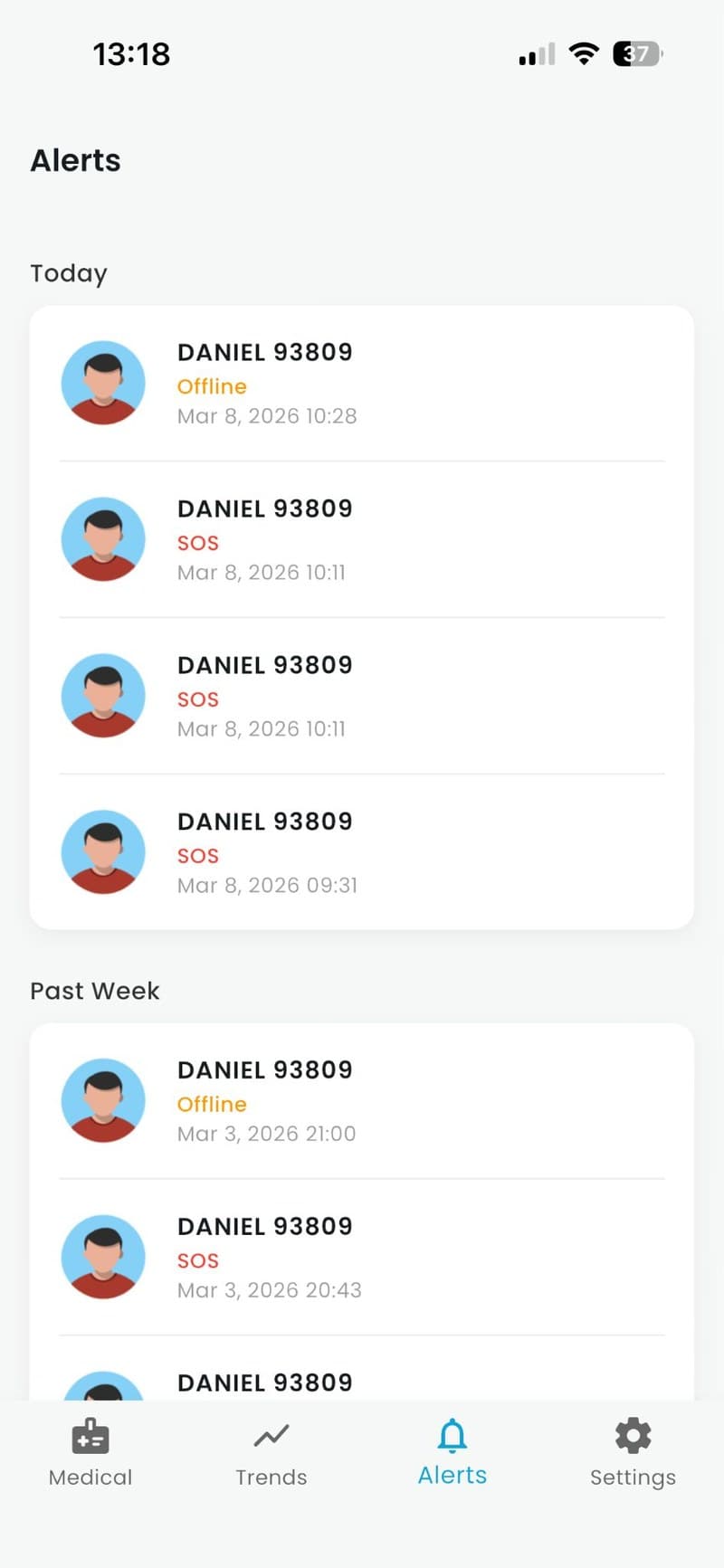
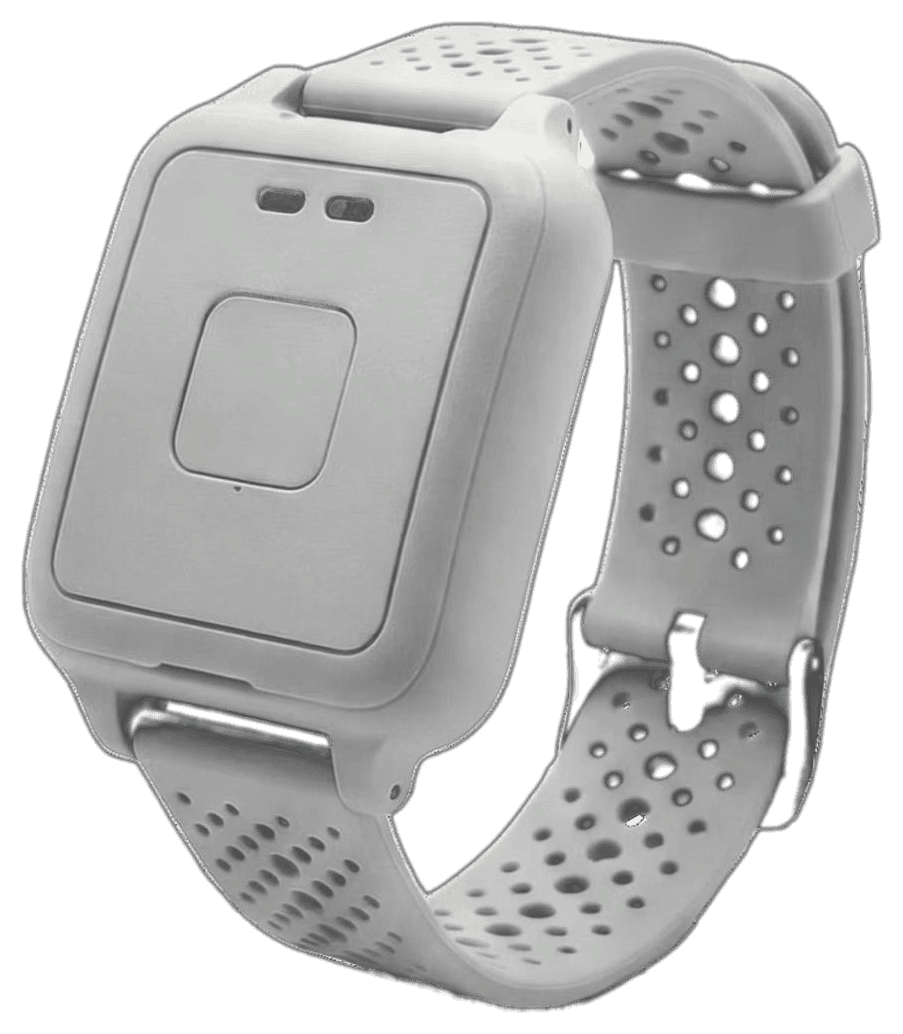
No smartphone required for the wearer.
01
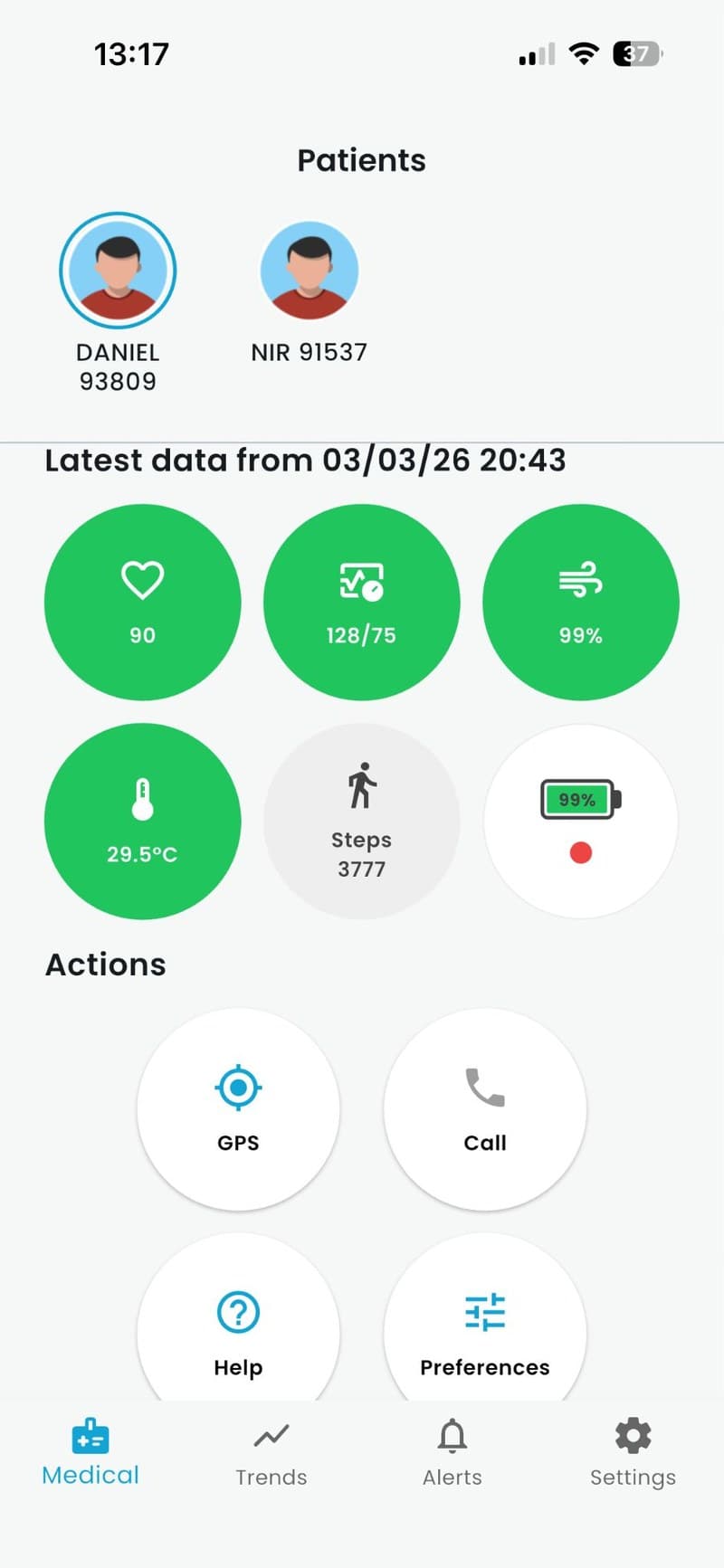
At-a-glance status
See whether a bracelet is connected, charged and being worn correctly.
02
Alerts
SOS, fall-event, removal and low-battery alerts arrive as push notifications.
03
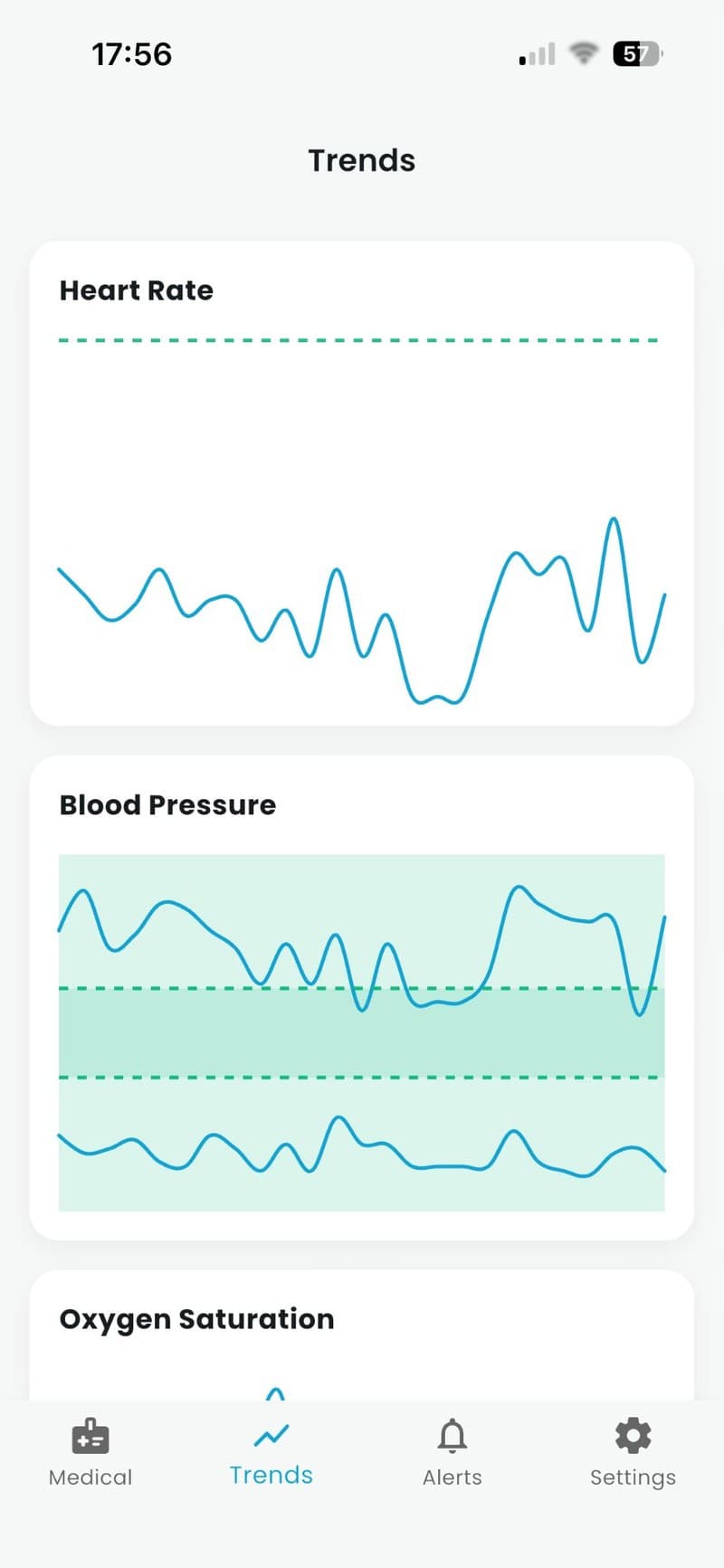
Vital-sign trends
Review heart-rate, SpO₂, temperature and indicative blood-pressure trends over time.
04
Location
See location information to understand where a wearer is when it matters.
05
Two-way calling
Call the bracelet directly, or answer a call the wearer initiated.
06
Alert history
A clear timeline of past alerts and how they were resolved.
07
Multiple wearers
Authorized contacts can be linked to more than one bracelet, useful for families or care settings.
Privacy by design
Only authorized contacts can see a wearer's data. Health data is never used for marketing.
Download the app
Available now on the App Store. Set it up once your bracelet arrives.
Download on the App StoreScan to download GCARE